
Blog
Why Technicians Must Take Photos on Every Job
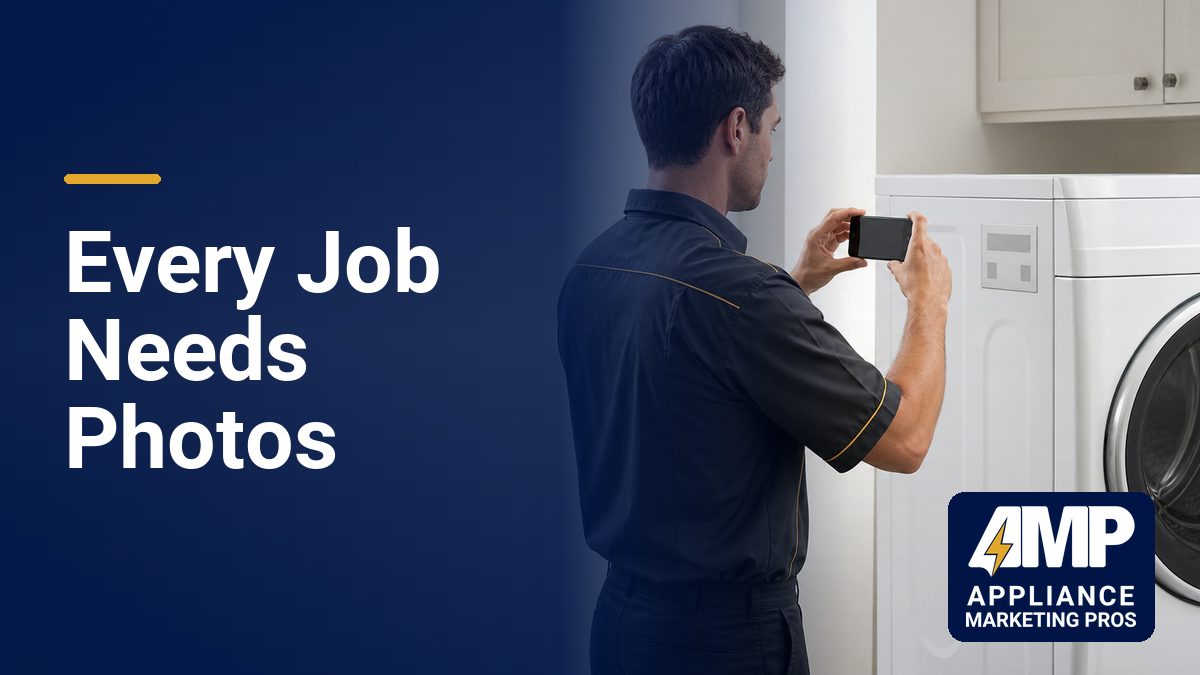
I’ve worked with appliance repair companies for years, and the ones that grow consistently all do one thing differently. Their technicians take photos on every job.
Not for social media. Not for their portfolio. For their Google Business Profile, their website, and their local SEO rankings.
Most owners don’t realize that the photos their techs take during a service call are one of the most powerful marketing assets they’ll ever create. Better than stock images. Better than generic website graphics. Better than anything a designer can make in Photoshop.
If your technicians aren’t documenting every job with their phones, you’re leaving money on the table. This guide explains exactly why photos matter, what to capture, and how to use them to get more calls.
The Problem With Stock Photos and Generic Website Images
Walk into any appliance repair website and you’ll see the same thing. A model in a clean kitchen holding a wrench. A perfectly staged laundry room. A smiling couple standing in front of a brand-new refrigerator.
These images destroy trust.
Homeowners with a broken washer flooding their floor or a fridge full of spoiled food don’t connect with stock photos. They want proof that you’re real, local, and capable. Stock images make you look like a lead broker or a national call center, not a legitimate local business.
Google knows this too. When you upload authentic, geotagged photos from real jobs, Google sees proof that your business operates in specific neighborhoods. Stock photos don’t have location data. They don’t prove anything.
The companies that rank highest in local search results use real photos. Photos of their vans parked in driveways. Photos of techs working on actual appliances. Photos taken on smartphones in the neighborhoods they serve.
If your site still uses generic images, you’re competing with one hand tied behind your back.

What Happens When Technicians Must Take Photos on Every Job
When your technicians start documenting their work, three things happen immediately.
First, you build a library of authentic content that proves your business is active and local. Google Business Profile rankings improve when you consistently upload fresh, geotagged photos. Homeowners searching for appliance repair in your city see real evidence that you work in their area.
Second, your website becomes more credible. A before-and-after photo of a compressor replacement or a control board swap shows expertise. It builds confidence. A homeowner comparing three companies is more likely to call the one with proof of real work.
Third, you create content for Google Ads, social media, and email follow-up. Photos from jobs can be used in Local Services Ads, retargeting campaigns, and review request messages. Most owners spend money on marketing without realizing they’re sitting on the best content they’ll ever have.
The companies I work with that implement a simple photo protocol see measurable improvements in Google Business Profile visibility, click-through rates, and booked jobs. It’s not complicated. It just requires consistency.
The 7 Photos Every Technician Should Take on Every Job
Your techs don’t need to be photographers. They just need to follow a simple checklist. These seven photo types cover everything you need for local SEO, trust building, and content marketing.
1. The Branded Van in the Driveway
This is the most important photo for local SEO. A picture of your service van parked in front of the customer’s home proves your business operates in that neighborhood.
Make sure the photo shows your logo, the house number if possible, and any visible street context. When this photo gets uploaded to your Google Business Profile, it includes EXIF data that tells Google the exact location where the image was taken.
That location data strengthens your rankings in that specific area.
2. The Broken Appliance (Before Photo)
Take a wide shot of the appliance before starting work. If it’s a refrigerator, show the model and brand. If it’s a washer, capture the error code or the visible problem.
Before photos demonstrate the range of brands and models you service. They also create contrast for the after photo, which increases engagement when shared on social media or your website.
3. The Diagnostic or Repair Process
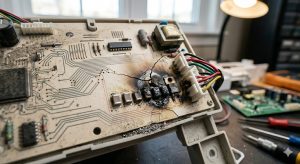
This is where you show expertise. A photo of a technician testing a part, reading voltage, or inspecting a component proves your team knows what they’re doing.
These images work especially well on service pages. A page titled “Refrigerator Compressor Repair” becomes significantly more credible when it includes a photo of your tech actually replacing a compressor.
4. The Replacement Part or Component
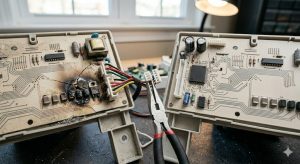
If you replaced a control board, compressor, or motor, take a close-up of the new part next to the old one. Label it if possible.
Homeowners don’t always understand what went wrong with their appliance. A clear photo of the failed part helps explain the repair and justifies the cost.
5. The Completed Repair (After Photo)
Take a final shot of the appliance running or functioning properly. If it’s a dryer, show it running. If it’s a dishwasher, show the cycle display active.
After photos close the loop. They prove the job was completed correctly and create a satisfying narrative for potential customers reviewing your work online.
6. The Technician in Action
Get a quick photo of the tech working on the appliance. This doesn’t need to be staged or polished. Just a candid shot of your technician doing the work.
These images humanize your business. They show real people, not corporate branding or stock models. Homeowners are more likely to trust a business when they can see the actual technicians who will show up.
7. The Happy Customer (If They Agree)
If the customer is willing, take a quick photo with them. A smiling homeowner standing next to your technician and their fixed appliance is powerful social proof.
Always ask permission first. Most customers are happy to participate, especially after a great service experience. These photos work extremely well in review requests and social media posts.
How to Use Job Photos for Local SEO and Google Business Profile
Taking photos is only half the process. The real value comes from how you use them.
Every photo your techs take should be uploaded to your Google Business Profile within 24 hours. Google rewards businesses that post fresh, authentic content regularly. Photos with embedded location data strengthen your local relevance in specific neighborhoods.
When you upload a photo taken on a smartphone, the EXIF data includes GPS coordinates. Google uses this information to verify that your business actually operates in that area. Over time, consistent geotagged uploads improve your rankings in nearby cities and zip codes.
Photos should also be added to your website. Create a gallery on your homepage or embed images directly into service pages. A page titled “Samsung Refrigerator Repair” becomes far more effective when it includes real photos of your techs repairing Samsung refrigerators.
Use descriptive file names and alt text for every image. Instead of “IMG_1234.jpg,” rename the file to something like “appliance-repair-technician-fixing-refrigerator-dallas.jpg.” For alt text, write a simple description: “Technician repairing a Samsung refrigerator in Dallas, TX.”
This helps Google understand what the image shows and connects it to local search queries.
The Simple System That Makes This Work
The biggest challenge isn’t getting techs to take photos. It’s making sure the photos actually get uploaded and used.
Most companies fail because they don’t have a system. Techs take photos, but the images sit on their phones forever. Nobody uploads them. Nobody organizes them. The marketing value disappears.
The companies that succeed use a simple workflow.
First, create a shared folder in Google Drive or Dropbox. Set it up so techs can upload photos directly from their phones at the end of each day.
Second, assign someone on your team to review and upload photos to Google Business Profile every morning. This takes five to ten minutes. If you have multiple jobs per day, you should be uploading multiple photos per week.
Third, tag photos by service type or appliance brand. This makes it easy to find the right image when updating your website or creating an ad campaign.
Fourth, use a subset of the best photos for website updates, email marketing, and social media. Not every photo needs to go everywhere, but the best ones should be repurposed across multiple channels.
If you can’t manage this internally, it’s worth outsourcing. The ROI on consistent photo uploads is higher than most paid advertising.
Image Optimization Basics (Keep Your Site Fast)
Photos from smartphones are often too large for websites. A 5MB image will slow your page load speed and hurt your rankings.
Before uploading photos to your website, compress them. Tools like TinyPNG or Squoosh can reduce file sizes to under 200KB without losing visible quality. Faster pages rank better and convert better.
Use JPEG format for photos. PNG files are unnecessarily large for this purpose.
Write simple, descriptive alt text for every image. Pretend you’re describing the photo to someone who can’t see it. Include the city or neighborhood if relevant. Example: “Appliance repair technician fixing a Whirlpool dryer in Austin, TX.”
Alt text helps Google understand your images and improves accessibility for visually impaired users.
Stop Guessing. Let AMPRank Handle Your Visibility.
If you’re running an appliance repair business, your job is to fix appliances and manage your team. Marketing should support growth, not consume your time.
The companies that dominate their markets don’t try to figure out SEO, Google Ads, and tracking on their own. They partner with specialists who understand how appliance repair marketing actually works.
Appliance Marketing Pros built AMPRank specifically for businesses like yours. We handle your Google Business Profile optimization, local SEO, Google Ads, and lead tracking so you can focus on running jobs and growing revenue.
If you want predictable call volume and a system that actually works, schedule a strategy call. We’ll review your current setup, show you what’s holding back your lead flow, and build a plan to grow your appliance repair business.